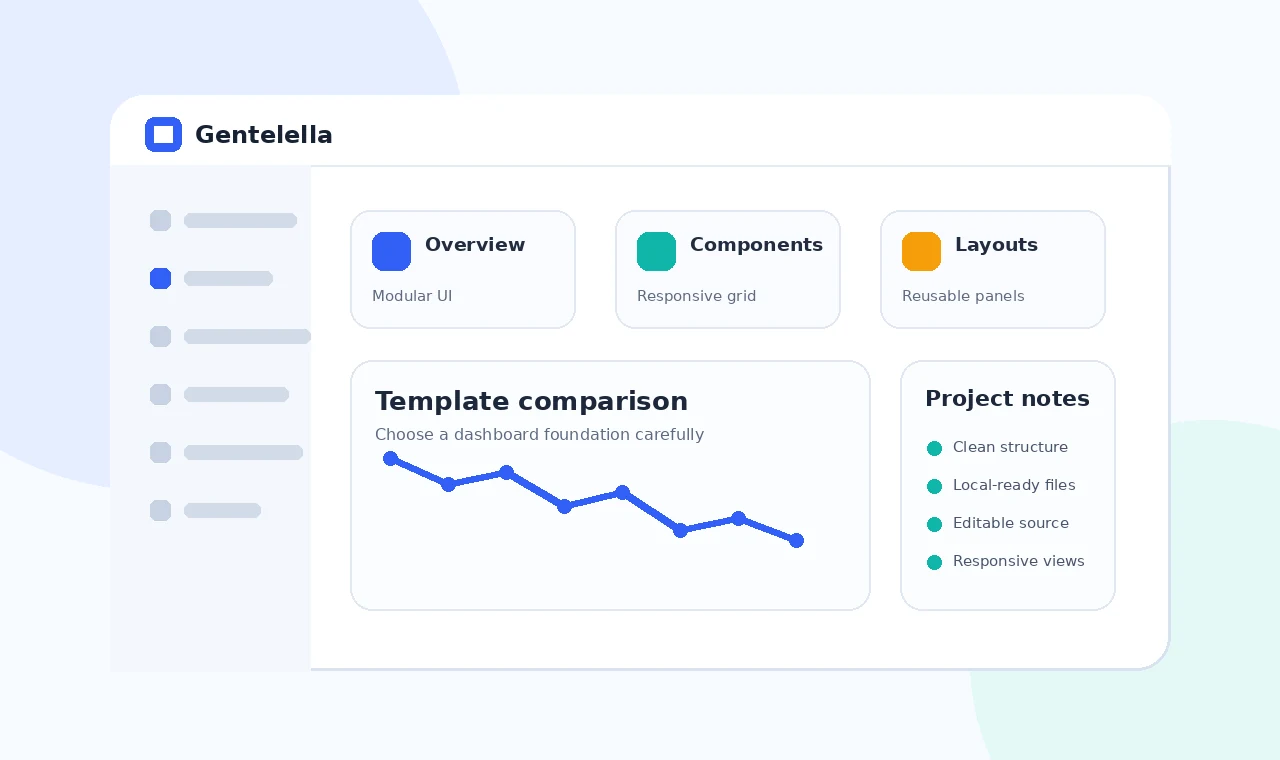
Search results for a GitHub dashboard template may include Gentelella, DashboardPack, Admindek HTML dashboard GitHub projects and many admin-panel GitHub repositories. Visual appearance is only one part of the decision.
A useful comparison checks file clarity, component relevance, update strategy, responsive behavior, accessibility and the amount of code your project must maintain. This prevents a large demo from being mistaken for the best production foundation.
Compare project structure
Readable source
Prefer a structure your team can understand and edit without hidden tooling.
Dependency scope
Count the scripts and styles required by the specific components you plan to use.
Compare interface fit
Navigation model
Choose a layout that matches the number and hierarchy of application tasks.
Data components
Review how tables, filters, forms and states behave with realistic content.
Compare maintenance needs
Update process
Understand how new upstream changes would be reviewed and merged.
Migration cost
Estimate how much markup and custom code would need to change if you switch templates later.
Final checklist
- Confirm all local asset paths.
- Remove unused examples and dependencies.
- Test navigation, forms and tables responsively.
- Verify live hosting paths and clean URLs.
- Keep private credentials outside front-end files.